Split on every charge
Up to 20 recipients with percentage shares. Rounding never loses a tiyin.
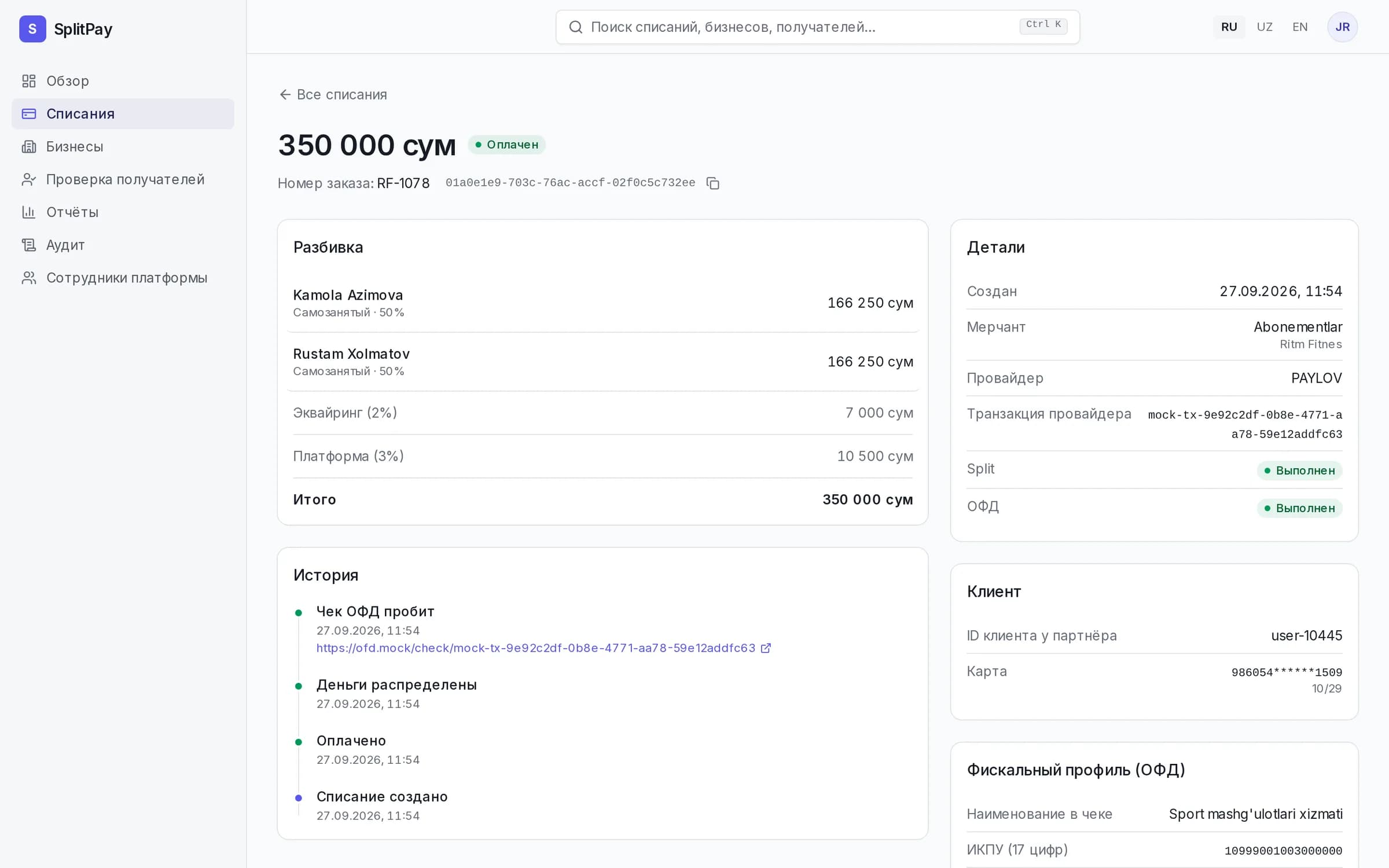
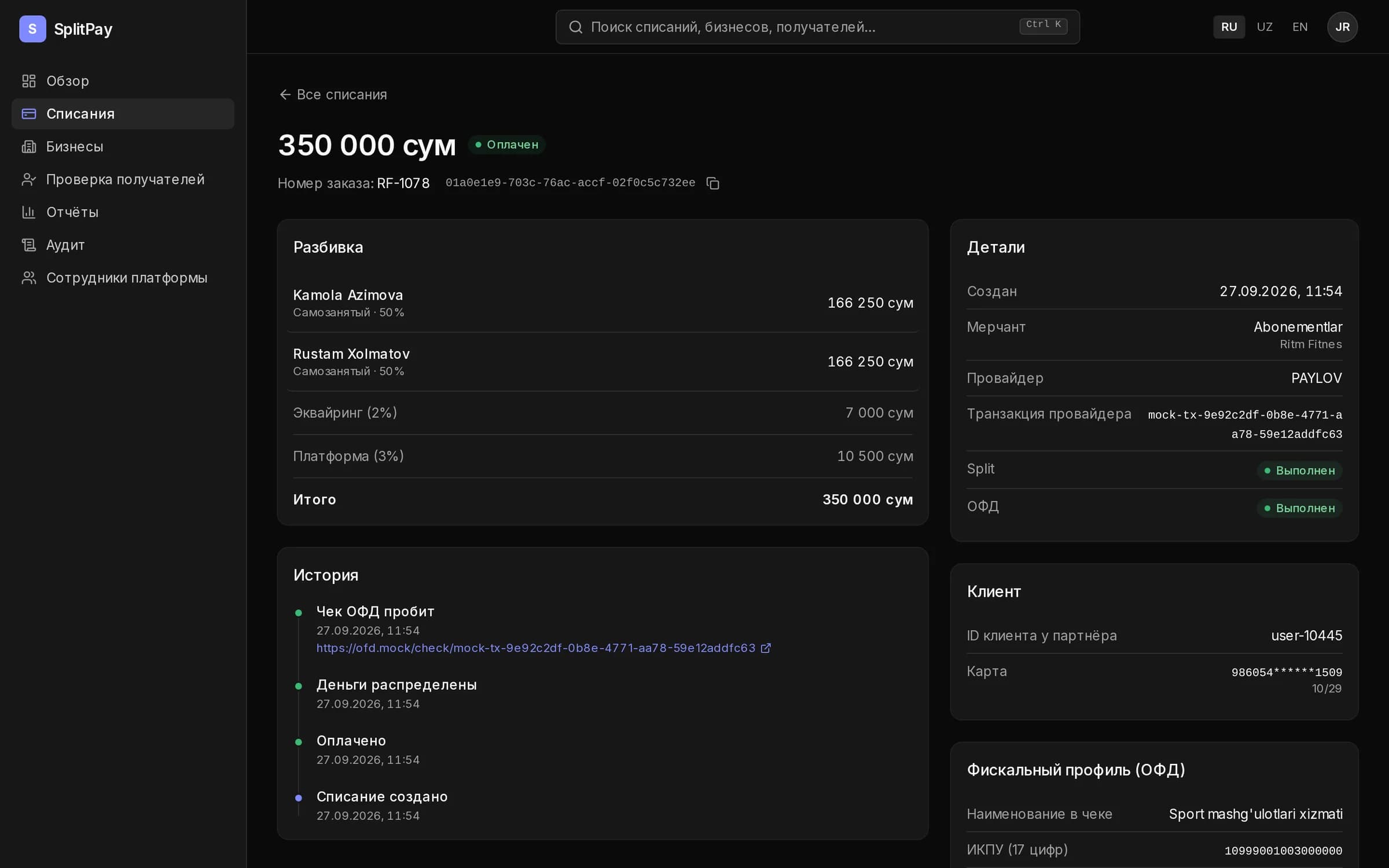
One charge on the customer card. SplitPay splits it between self-employed and YATT, withholds the fee and issues the OFD receipt.
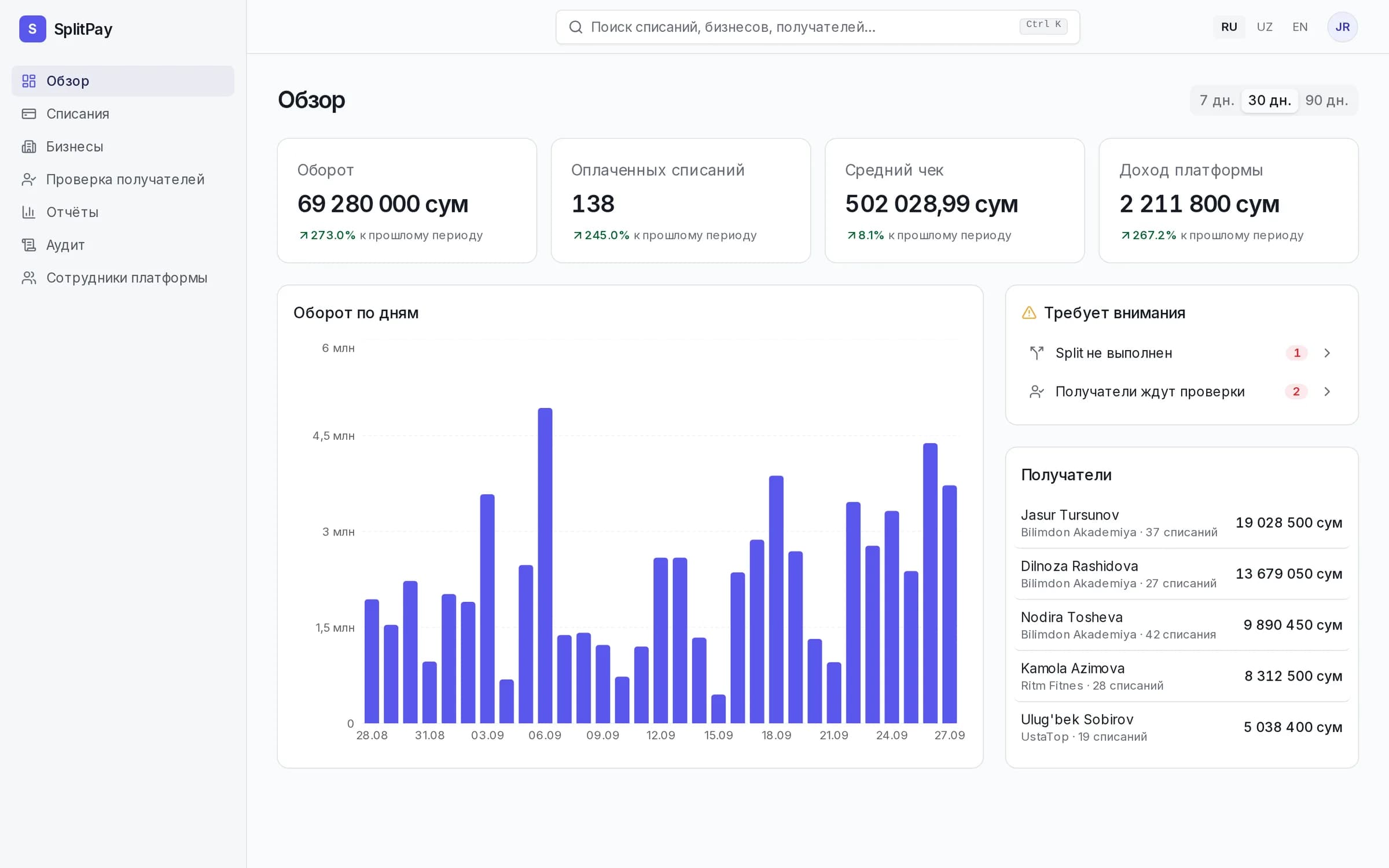
A customer pays for a gym membership. The money goes straight to the trainers, and the fee is withheld proportionally.
Up to 20 recipients with percentage shares. Rounding never loses a tiyin.
Confirm with an SMS code, then charge again or on a schedule without re-entering the card.
Commission-agent scheme: receipts are issued automatically, nothing for your accountants to do by hand.
Only the provider token and a mask. Staff sign in with two-factor authentication.
Merchants, keys, recipients, reports and CSV. Every staff action stays in the audit log.
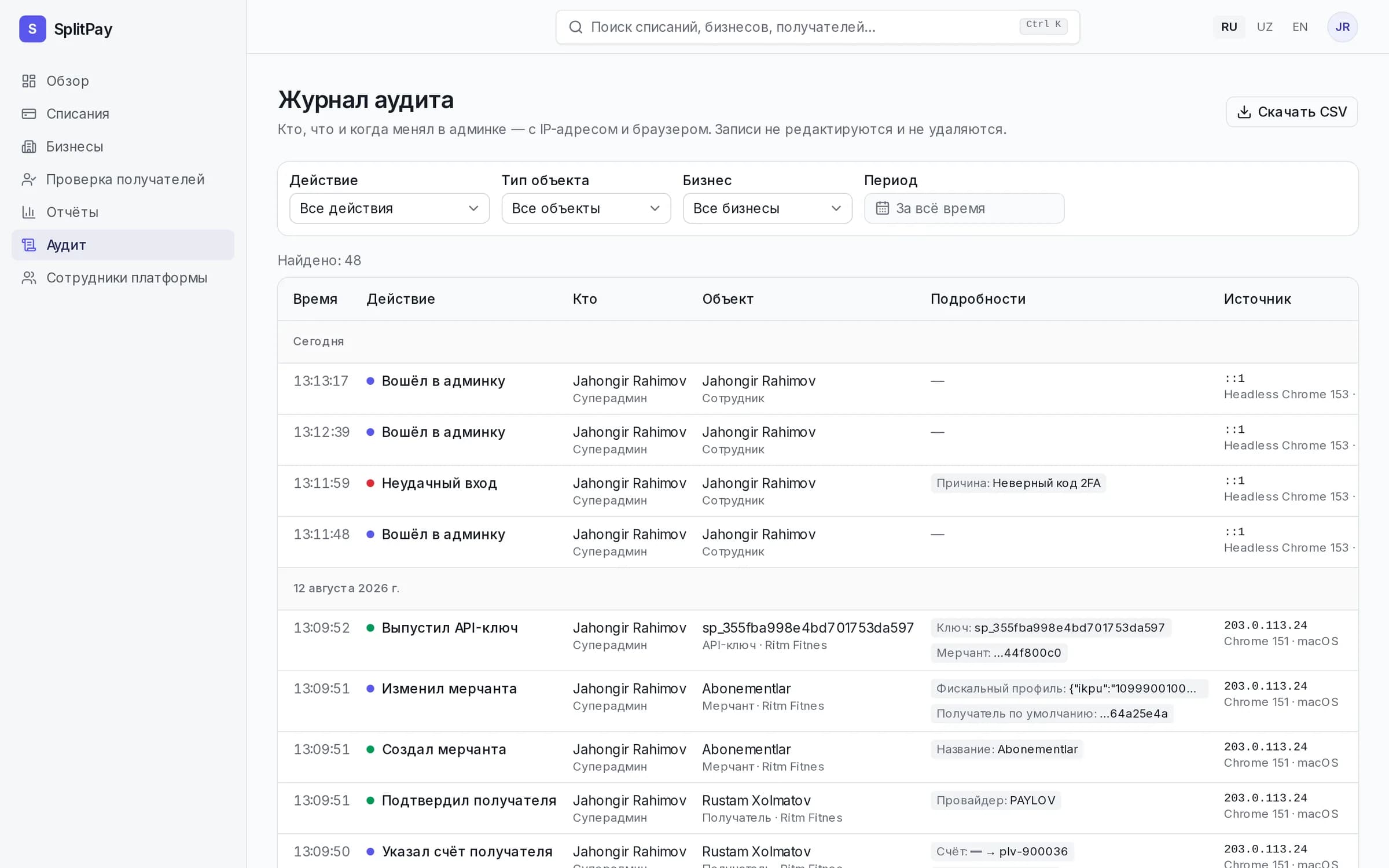
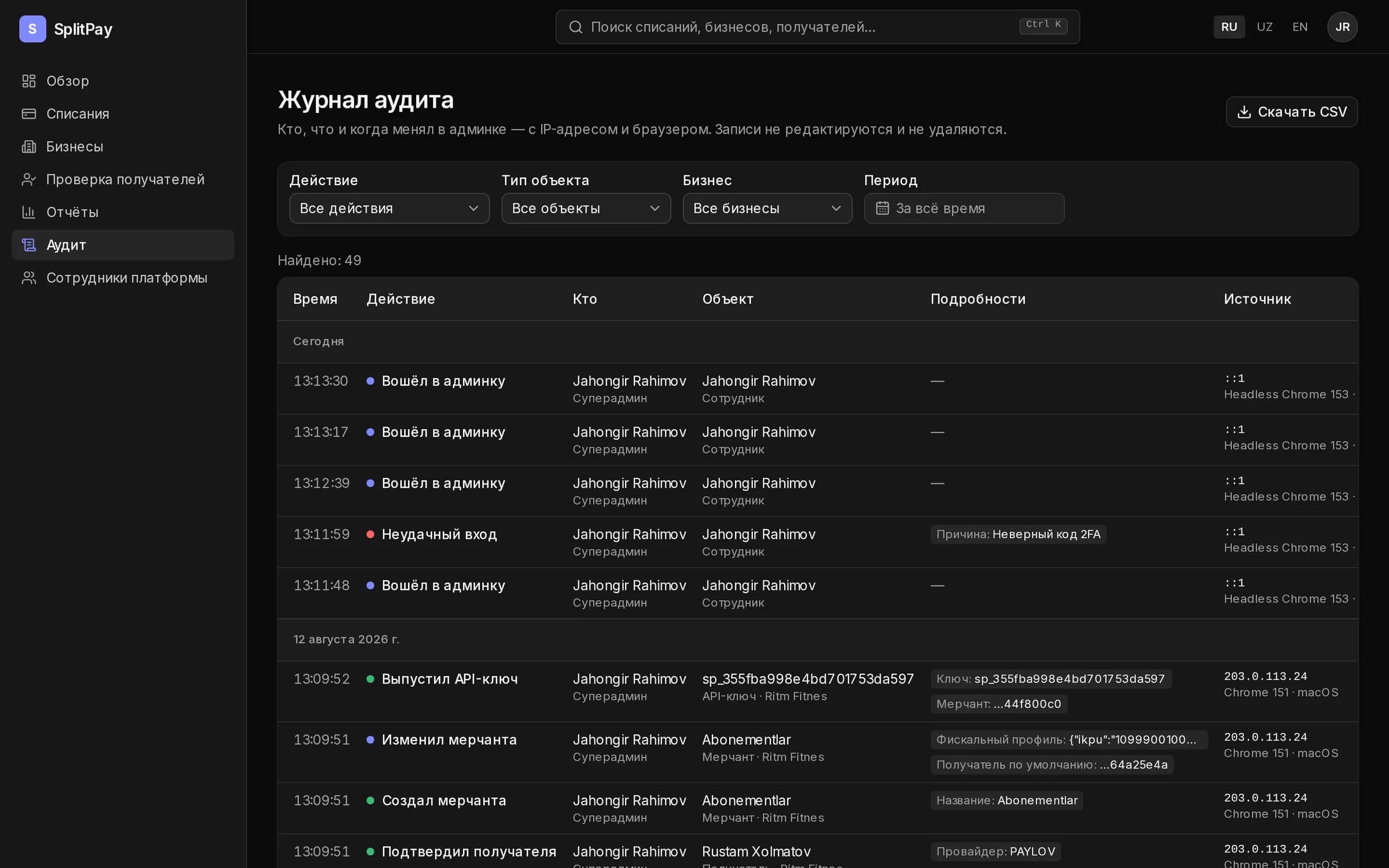
The token lives an hour, a repeat with the same idempotency key never charges twice, and a rate limit returns Retry-After.
const charge = await fetch('https://splitpay-api.buzzi.uz/v1/charges', {
  method: 'POST',
  headers: {
    authorization: `Bearer ${accessToken}`,
    'idempotency-key': 'RF-1078-charge',
    'content-type': 'application/json',
  },
  body: JSON.stringify({
    externalId: 'RF-1078',
    cardId,
    amount: 35_000_000, // tiyin
    recipients: [
      { recipientId: kamola, share: 5000 },
      { recipientId: rustam, share: 5000 },
    ],
  }),
}).then((response) => response.json());From application to first charge without visiting an office. You see the application status on the site.
Apply online: once we verify the company, you get dashboard access and test keys. Or just write to us.